
The archive
Deleted items end up in the archive and stay reachable there. Only when you delete them permanently are they gone.
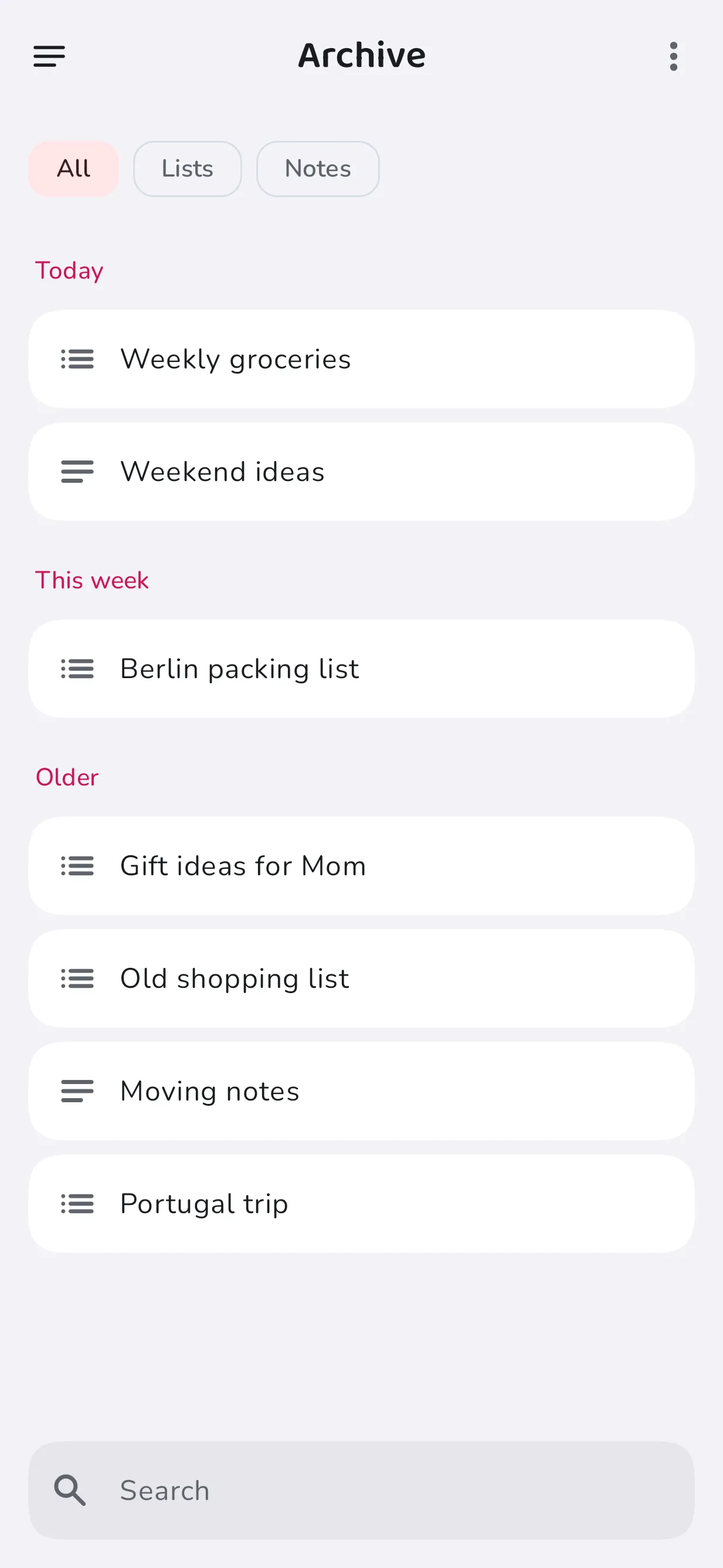
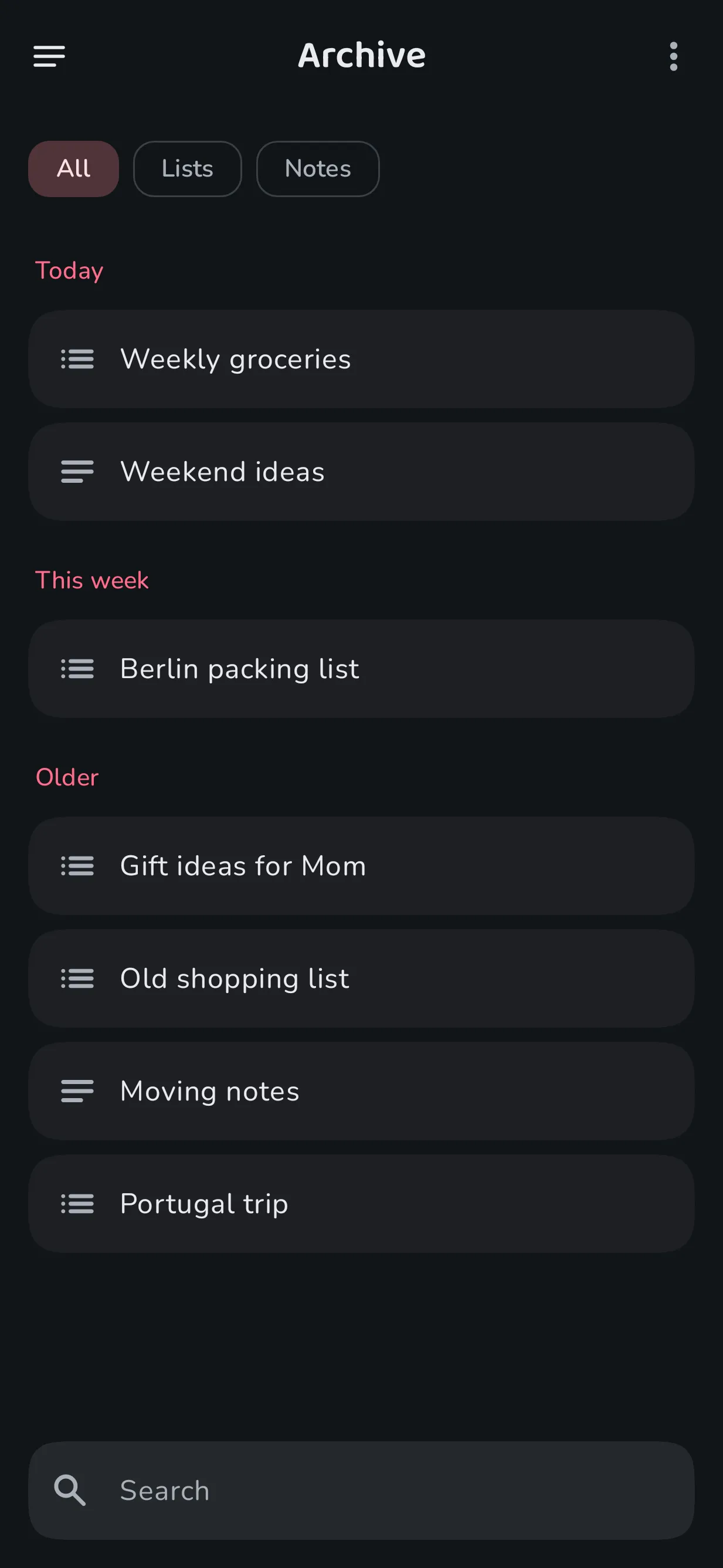
What ends up in the archive?
If the archive is turned on, deleted lists, list entries and notes land there before they are deleted permanently. Fleeting lists and notes also move to the archive once their time has run out.
How do I restore something?
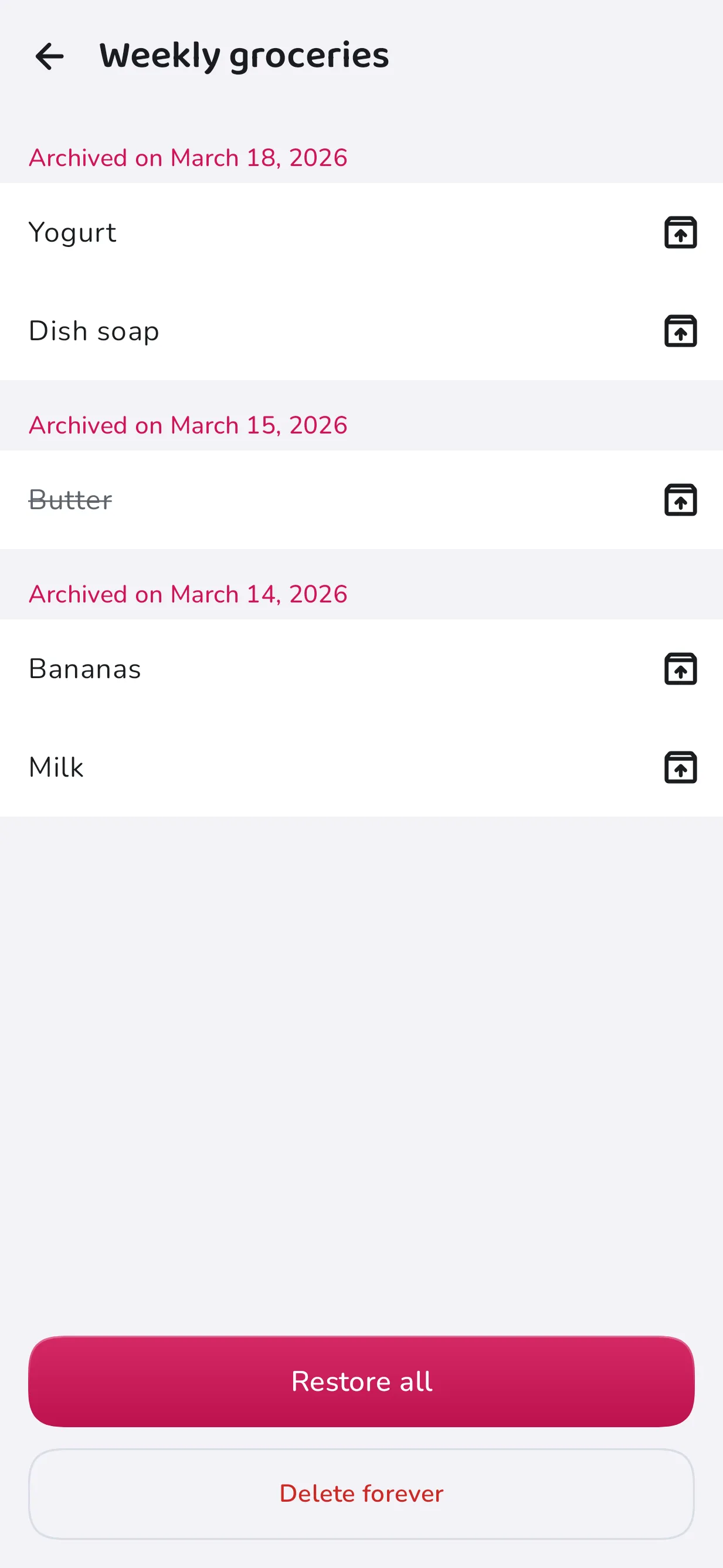
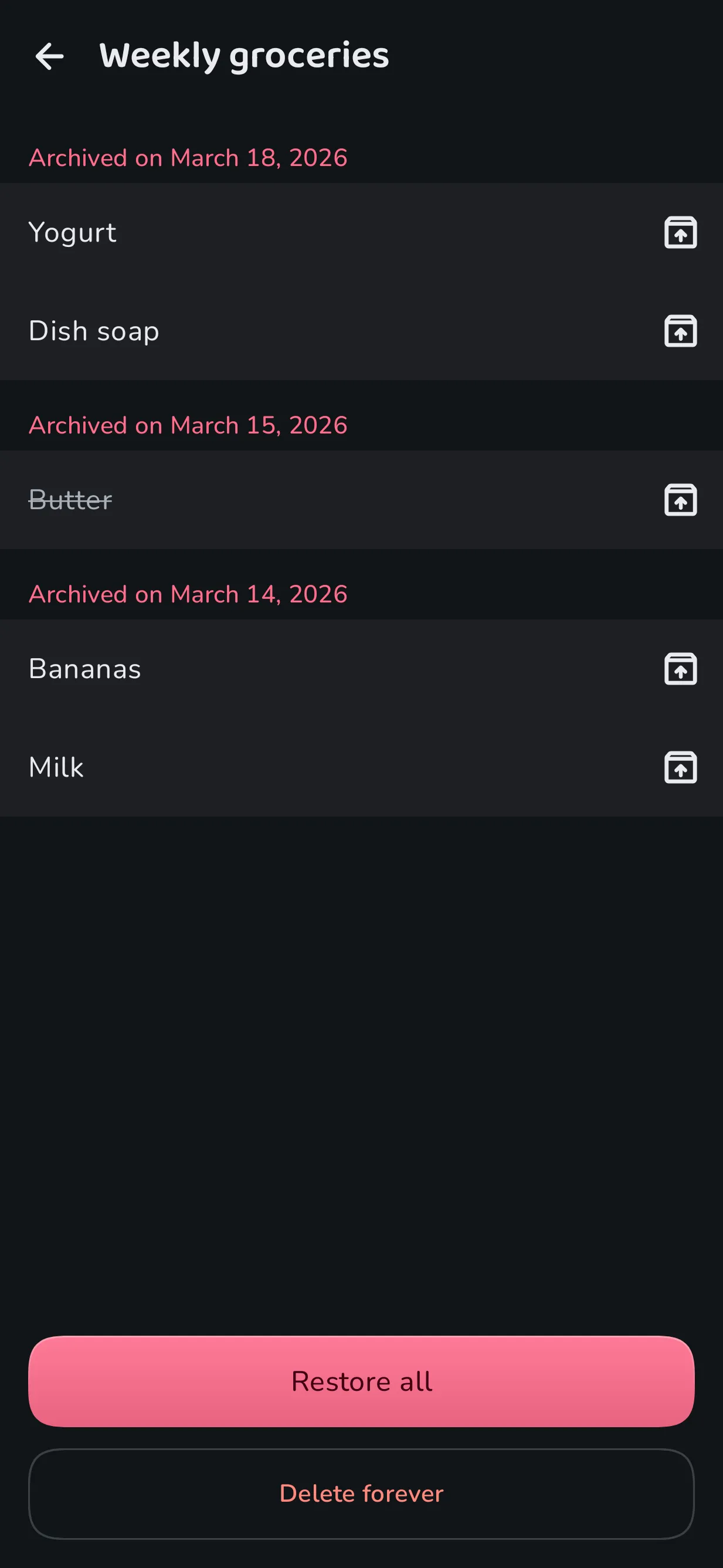
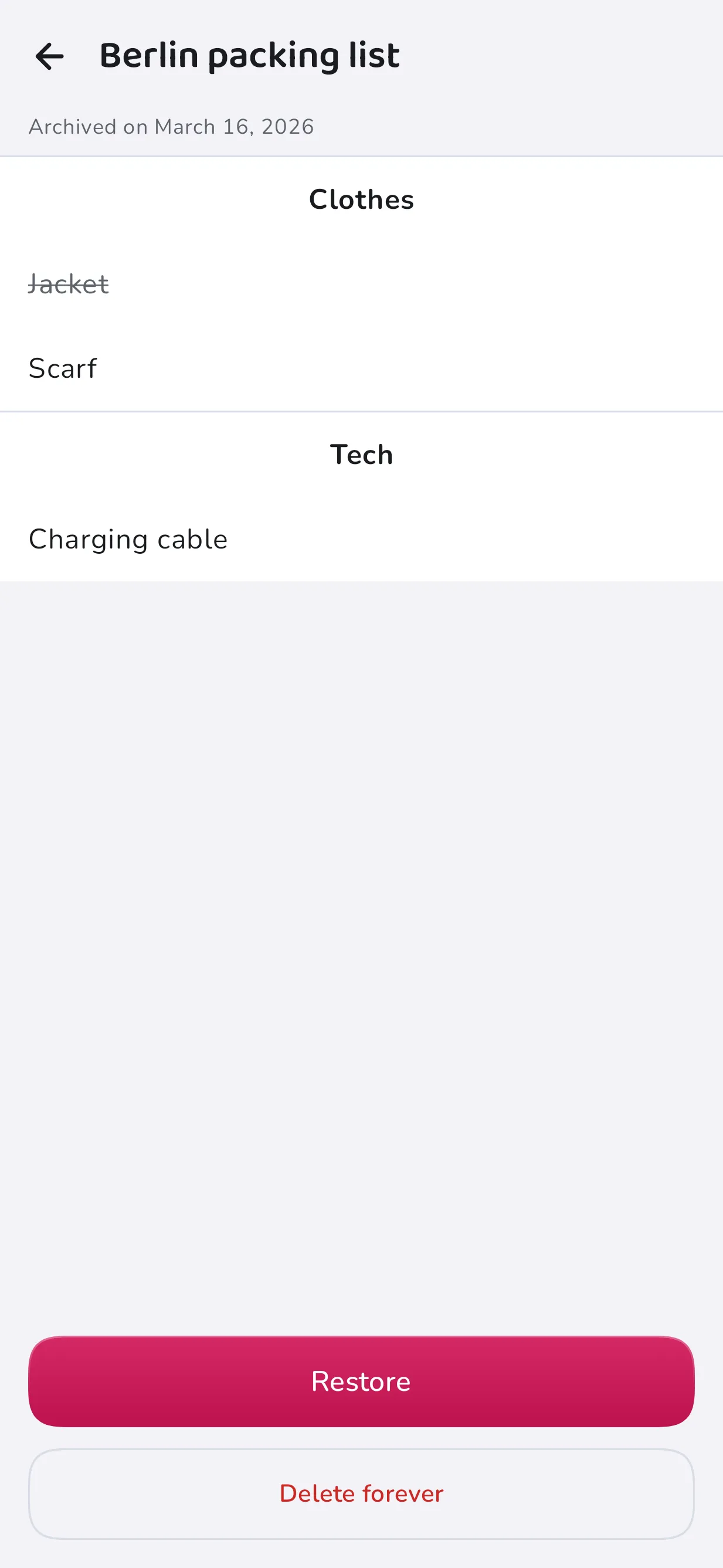
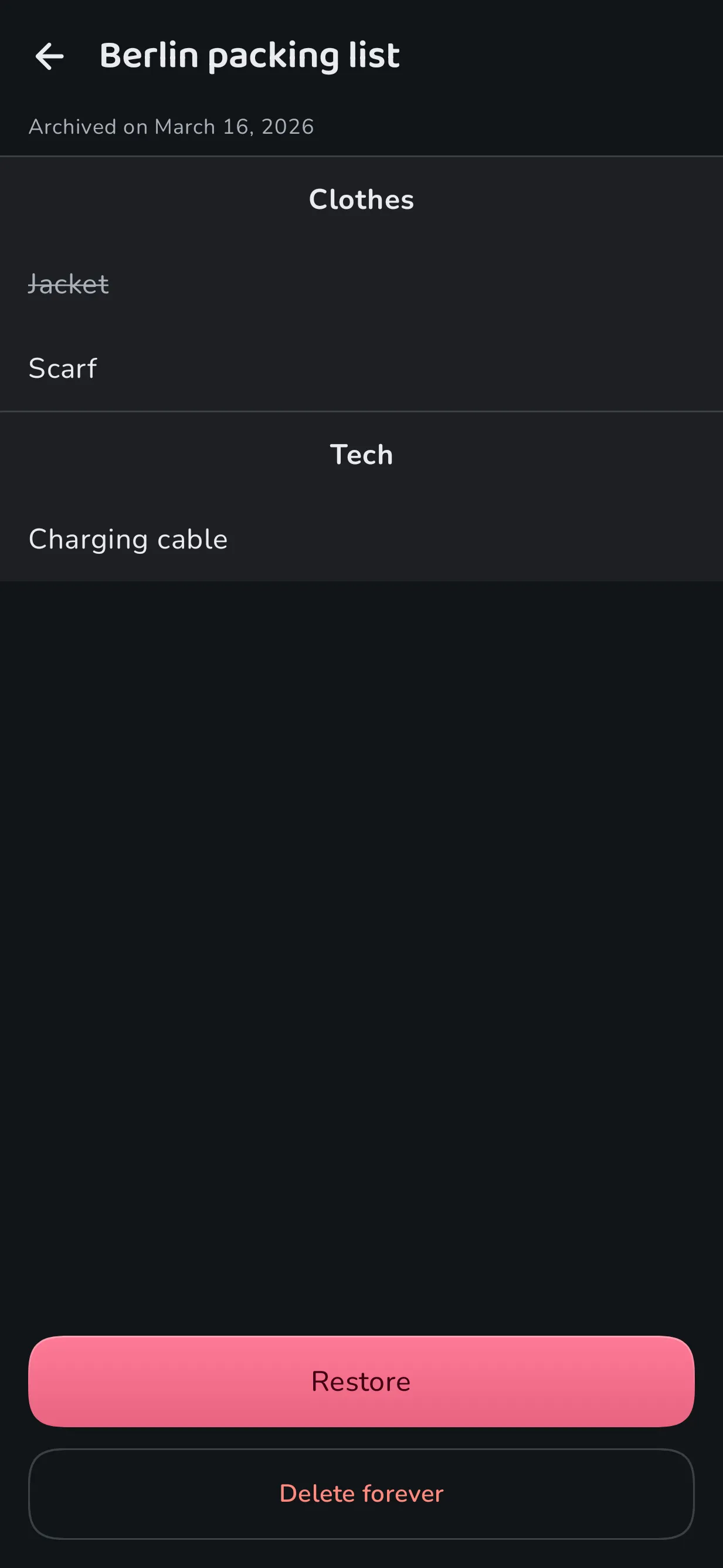
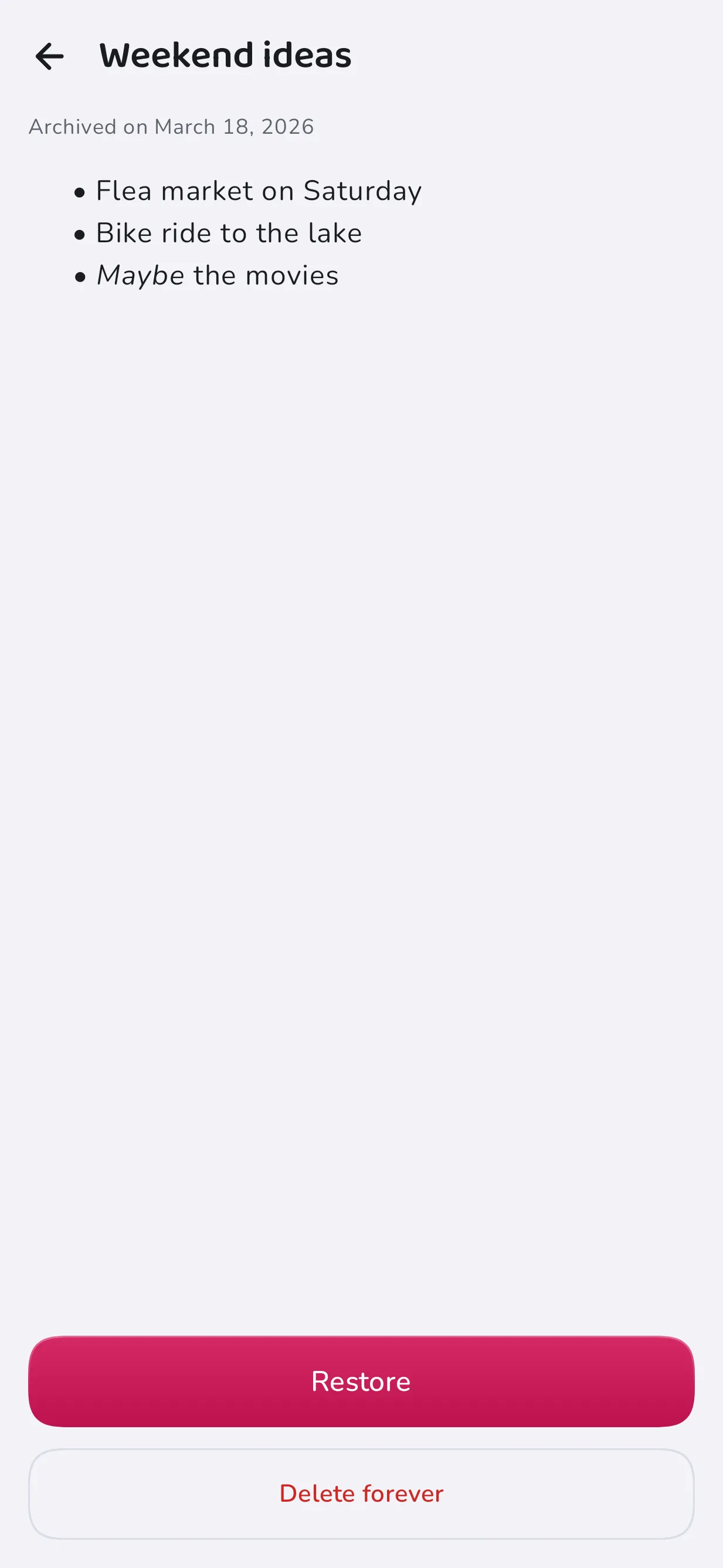
Open the archive from the side menu. You can restore single entries or all of them at once. Long-press an entry and tap “Restore”. For archived entries in a list, there is also “Restore all”.

How do I find something in the archive?
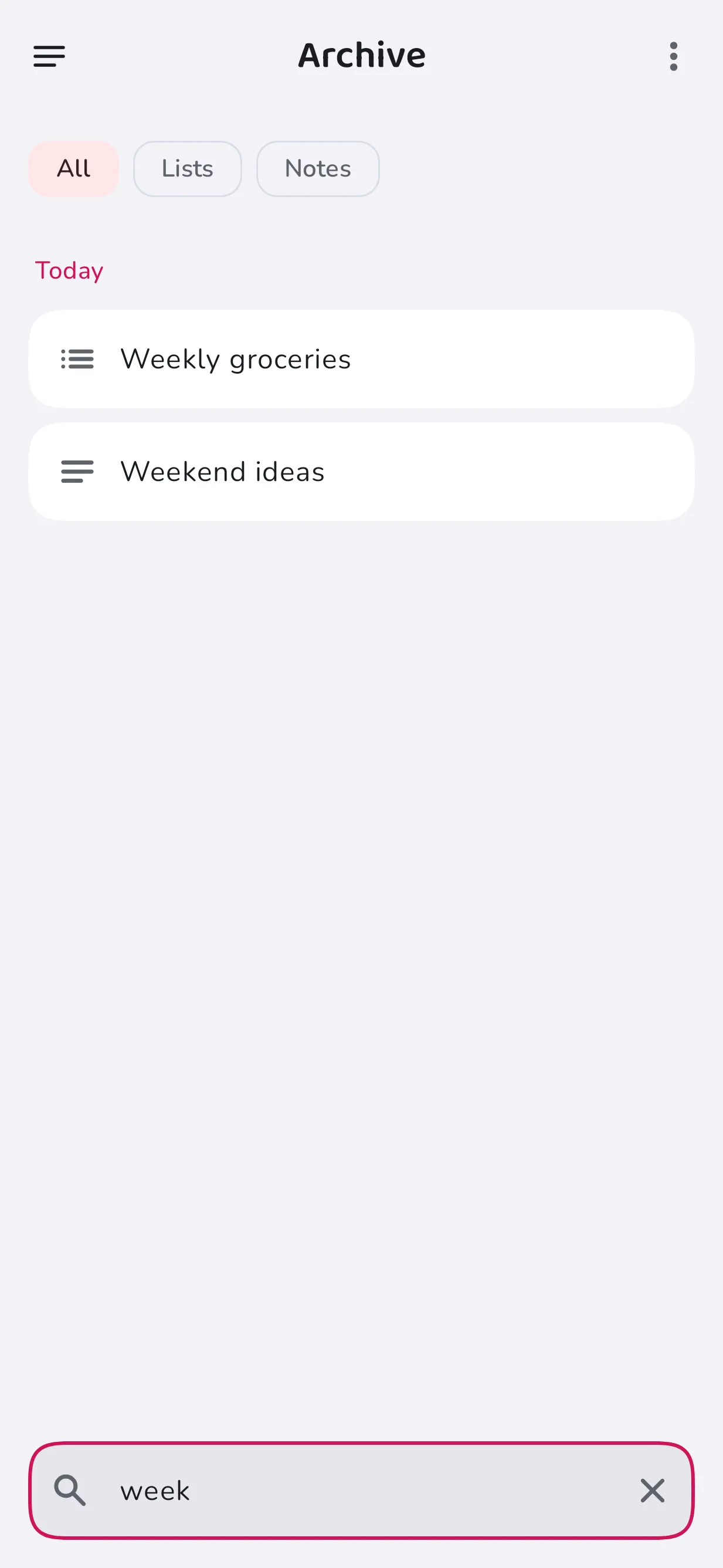
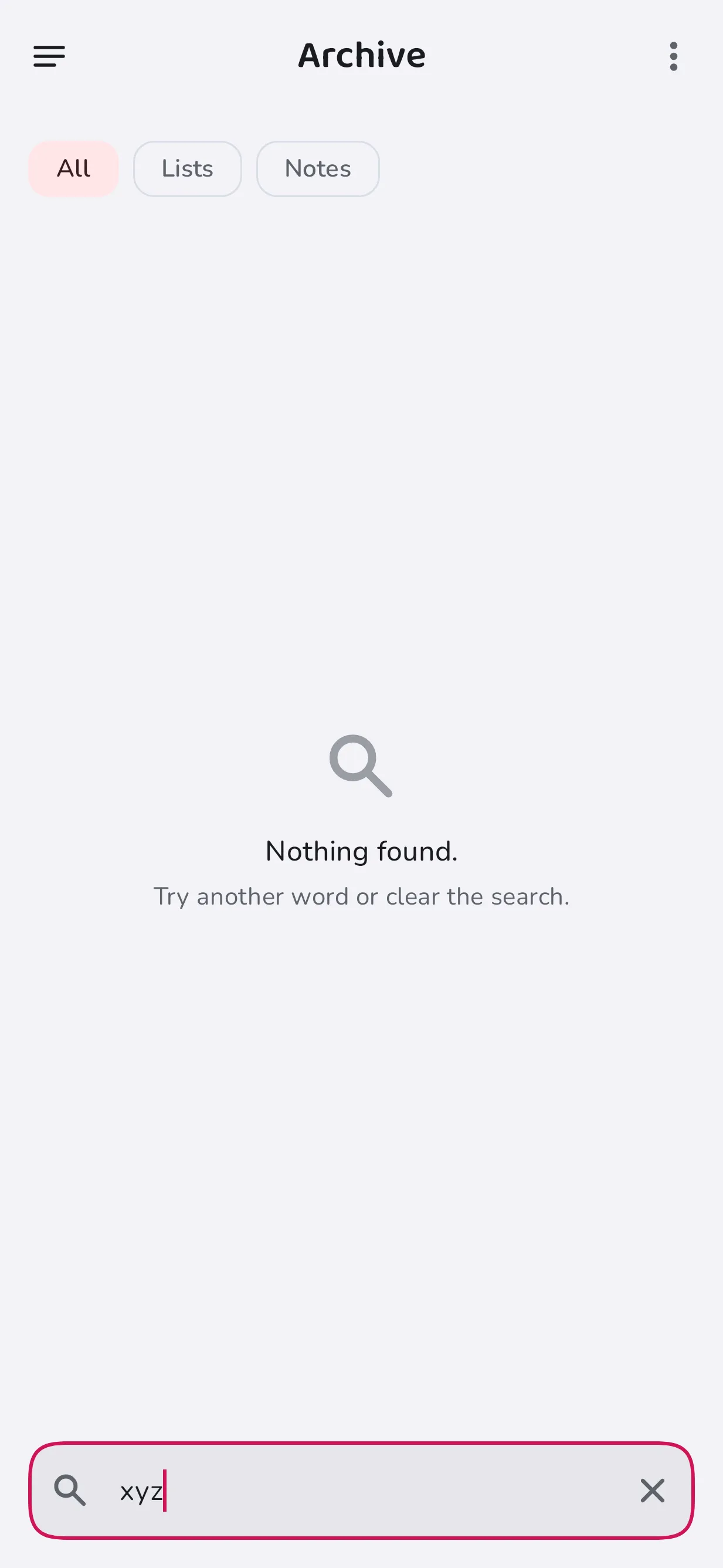
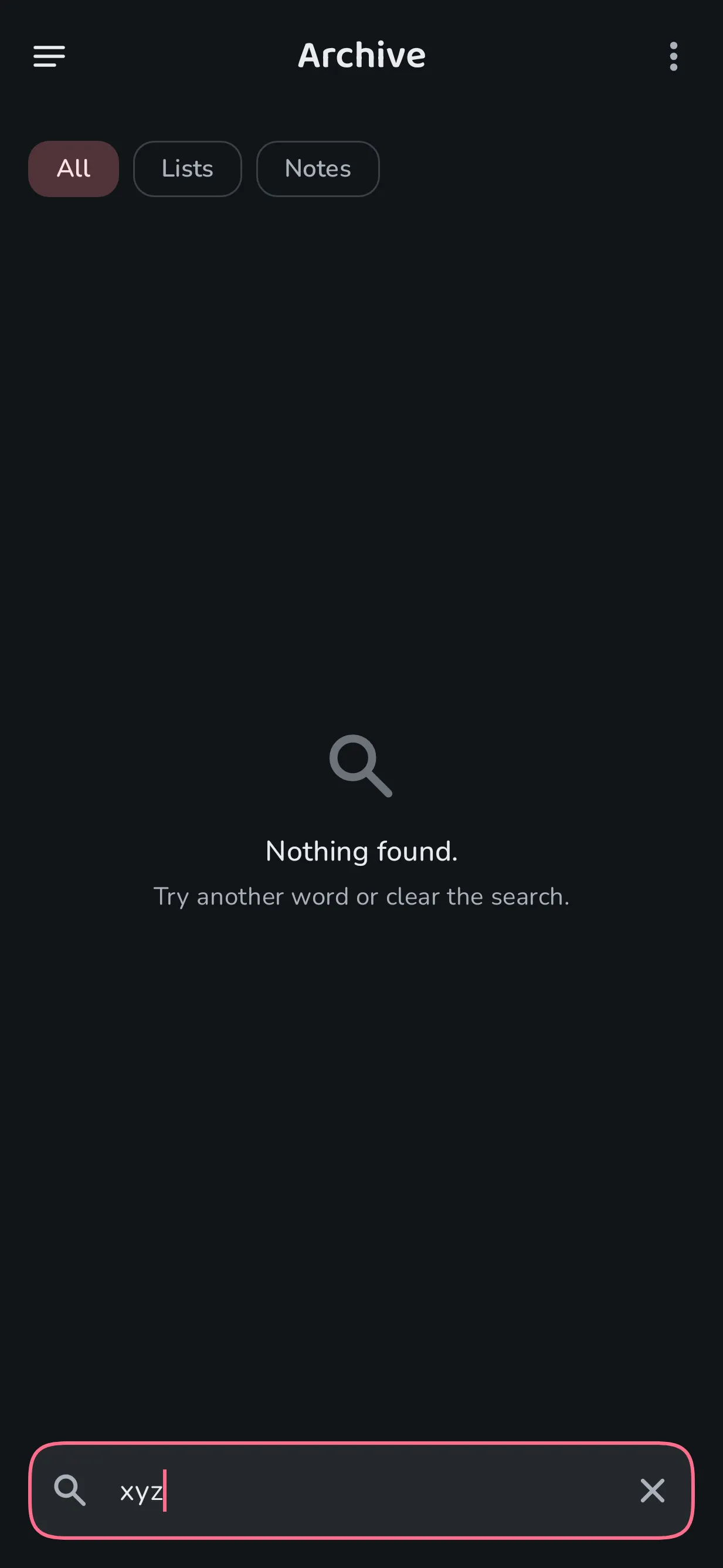
The archive groups entries into “Today”, “This week” and “Older”. You can filter by “All”, “Lists” or “Notes”. The search field at the bottom finds entries by title, content or date.

What happens if I turn the archive off?
Then deleted entries no longer land in the archive, but are gone immediately and permanently. Fleeting lists and notes are also deleted permanently once their time has run out. The history is turned off along with the archive.
How do I delete permanently?
When you delete permanently from the archive, the app asks for confirmation first. Long-press the entry, tap “Delete permanently” and confirm in the dialog.
What is the history?
In addition to the archive, HelloCheri quietly remembers which items you often add. Later, this turns into suggestions in lists, for example for your weekly shopping plan.
If the archive is turned off, the history is turned off too. When entries are deleted permanently, they are also removed from the history.